


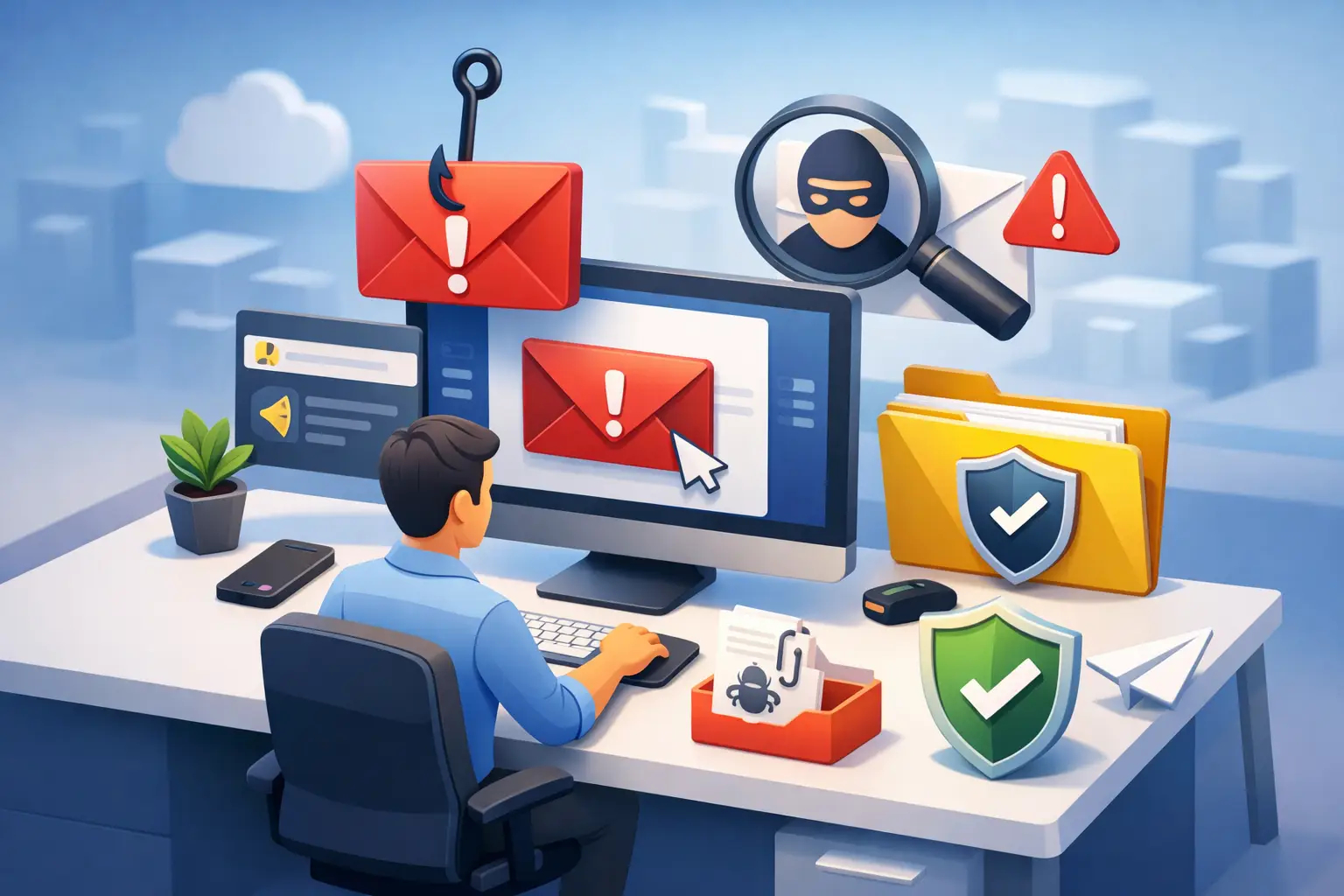
How to Report Suspicious Emails at Work Safely
A single reported email can stop a business-wide compromise. A single ignored email can give an attacker the foothold they need. Knowing how to report suspicious emails is not a minor IT task. It is a frontline security behavior that protects accounts, payment processes, customer data, and operational continuity.
For security leaders, the objective is clear: make reporting fast enough for employees to use under pressure, and structured enough for the security team to act on the report. For employees, the rule is simpler: when something feels off, report it before you interact with it.
What makes an email suspicious?
Suspicious emails do not always contain obvious spelling mistakes or implausible promises. Modern phishing campaigns often use real company names, copied branding, compromised vendor accounts, and artificial intelligence-generated language that reads professionally. They may arrive as fake invoice reminders, shared-document notifications, password expiration alerts, executive requests, or messages from a familiar supplier.
Look for a mismatch between what the email claims and what it asks you to do. An unexpected request to reset a password, open a shared file, review a payment, buy gift cards, change bank details, or approve a login should trigger caution. So should pressure. Attackers want recipients to act before they verify.
Other warning signs include a sender address that is close to, but not exactly, a trusted domain; a reply-to address that differs from the sender; unusual links or attachments; generic greetings; and requests that bypass established processes. No one indicator proves fraud. The strongest signal is often context: the email is unexpected, unusual for that sender, or inconsistent with the way your organization normally works.
Key Warning Signs
The Most Common Signs of a Phishing Email:
- Unexpected request for action
- Request for a password or MFA code
- Urgency and pressure for an immediate response
- Suspicious sender address
- Unusual links or attachments
- Requests to change banking or payment details
- Unusual behavior from a trusted vendor or colleague
How to report suspicious emails without creating more risk
Do not reply, click links, download attachments, or forward the message to colleagues for their opinion. Each action can expose more people or alter evidence that your security team needs to investigate.
Use your organization’s approved phishing-reporting process. In many environments, this is a Report Phishing or Report Message button built into Microsoft Outlook, Gmail, or the company email client. That button usually sends the original message, including technical details and headers, directly to the security team or a managed detection provider.
If your organization does not have a reporting button, send the email as an attachment to the designated security, IT, or abuse mailbox. Forwarding the email normally is less useful because it can remove or change the original message metadata. If you are unsure how to attach it, contact IT through a known channel, such as the service desk portal or an internal phone number, rather than replying to the email itself.
When you file a report, add a short note if relevant. Explain whether you clicked a link, opened an attachment, entered credentials, replied, or received a similar message before. Facts matter more than a detailed narrative. A report that says you entered your password on a linked page gives the response team the information needed to act quickly.
What to do if you clicked or responded
Reporting is still the right action, even if you clicked. Employees sometimes delay disclosure because they fear blame or assume it is too late. That delay is exactly what attackers depend on.
If you clicked a link but did not enter information, report the email immediately and close the page. If you downloaded or opened a file, report it and disconnect from the network only if your organization’s incident procedure instructs you to do so. Do not attempt to investigate the file yourself.
If you entered a password, MFA code, payment information, or other sensitive data, contact IT or security through the urgent incident channel right away. Change the affected password from a known-safe device if instructed, and do not approve unexpected MFA prompts. Security teams may need to revoke sessions, reset credentials, review mailbox rules, block malicious domains, and check whether the account was used to target others.
The right culture treats fast reporting as a success, not a failure. An employee who reports a mistake quickly gives the organization options. An employee who stays silent gives an attacker time.
Reporting suspicious emails is different from marking spam
Marking a message as spam or junk may improve filtering, but it does not necessarily alert your internal security team to a targeted attack. That distinction matters when the email impersonates an executive, a customer, a cloud provider, or a critical vendor.
Use the phishing-reporting option for messages that appear malicious, fraudulent, or designed to steal information. Use the spam option for unwanted but non-malicious marketing, newsletters, or repetitive solicitations. When in doubt, report it as suspicious. Your security team can classify it, and a false alarm is far less costly than a missed business email compromise attempt.
Security teams should also make this distinction clear in awareness training. Vague instructions such as notify IT leave employees guessing. A one-click reporting tool, a visible escalation path, and examples based on real threats reduce hesitation when a decision must be made in seconds.
What happens after an employee reports an email?
A mature reporting process turns one employee action into organization-wide protection. The security team validates the sender, URLs, attachments, message headers, and indicators of compromise. If the email is malicious, they may search mailboxes for matching copies, quarantine or remove them, block sender domains and web destinations, and investigate accounts that may have interacted with the campaign.
The response may also involve finance, legal, HR, privacy, or business leaders. A fraudulent bank-detail change request affects more than email security. A credential phishing campaign may create reporting obligations, contractual risk, or operational disruption depending on the organization, its sector, and the data involved.
For organizations working toward NIS2 readiness or similar resilience requirements, reporting behavior supports a broader incident-management capability. Training alone is not enough. Employees must know how to recognize, report, and escalate suspicious activity, while leadership must ensure that reports reach teams with clear ownership and documented response procedures.
Build a reporting process people will actually use
The best phishing-reporting process is easy to find, easy to understand, and reinforced regularly. If an employee has to search an intranet during a suspected attack, the process is too slow.
Security and compliance leaders should define who receives reports, who triages them, what qualifies as urgent, and how the organization communicates confirmed threats. IT and security should test the workflow from the employee perspective, including mobile email clients and shared mailboxes. A process that works only in a desktop application will leave gaps.
Training should use realistic scenarios tied to each role. Finance teams need practice identifying invoice and payment-change fraud. HR teams need to recognize payroll, benefits, and applicant scams. Executives and their assistants need defenses against impersonation, calendar fraud, and urgent approval requests. General training still matters, but role-based examples make the reporting decision more instinctive.
CISO EDU emphasizes this practical connection between awareness and action: cybersecurity starts with people, not tools. Interactive lessons, simulations, and short assessments can show whether employees can identify a suspicious message and choose the correct reporting path, not merely repeat phishing terminology.
Measure the behavior, not just course completion
Completion rates show that training was assigned. They do not show whether employees can protect the business. Track reporting volume, the percentage of simulated phishing messages reported, time from delivery to first report, repeat-risk patterns, and the quality of reports received.
More reports are not automatically a problem. A rise after training may mean employees are becoming more alert and confident. The key question is whether reports help the security team detect threats earlier and reduce harmful interactions. Review the data by department, role, region, and campaign type to identify where additional coaching or process improvements are needed.
Avoid creating a culture that punishes false positives. If employees are criticized for reporting legitimate emails, they will become reluctant to report the next ambiguous message. Encourage caution, provide feedback when practical, and recognize teams that demonstrate strong reporting habits.
A quick decision rule for every employee
Pause when an email asks you to act urgently, share sensitive information, move money, approve access, or open an unexpected file. Verify the request through a separate, trusted channel if it concerns a real colleague or vendor. Then report the message through the approved process.
This habit should become as routine as locking a screen before leaving a desk. Attackers only need one successful interaction. Your organization needs employees who know that reporting early is a decisive security action.
FAQ
1. What should I do if I receive a suspicious email at work?
Do not click any links, open attachments, reply to the sender, or forward the message to colleagues. Report the email immediately using your organization's approved phishing-reporting process or security contact channel.
2. Can a suspicious email still be dangerous if I only opened it?
In many cases, simply opening an email is not enough to compromise your device. However, if the message contains malicious content, tracking elements, or prompts you to take action, you should report it immediately and follow your organization's security procedures.
3. What if I accidentally clicked a link in a phishing email?
Report the incident to your IT or security team as soon as possible. If you entered credentials or sensitive information, notify them urgently so they can take protective actions such as password resets, session revocation, and account monitoring.
4. Is reporting a suspicious email the same as marking it as spam?
No. Marking an email as spam mainly helps improve email filtering. Reporting phishing or suspicious emails alerts your security team to potential threats and allows them to investigate, contain, and block similar attacks across the organization.
5. Why is fast reporting important for cybersecurity?
Early reporting helps security teams identify threats before they spread. A single report can prevent additional employees from interacting with a malicious email, reducing the risk of credential theft, financial fraud, malware infections, and business disruption.

Written By
Yavor Y. Zlatev
CEO & Executive Director at Advanced Vision IT
Yavor leads strategic growth and technology operations at Advanced Vision IT, specializing in enterprise cybersecurity, cloud infrastructure, NIS2 compliance, and managed security service delivery. Find out more about me