


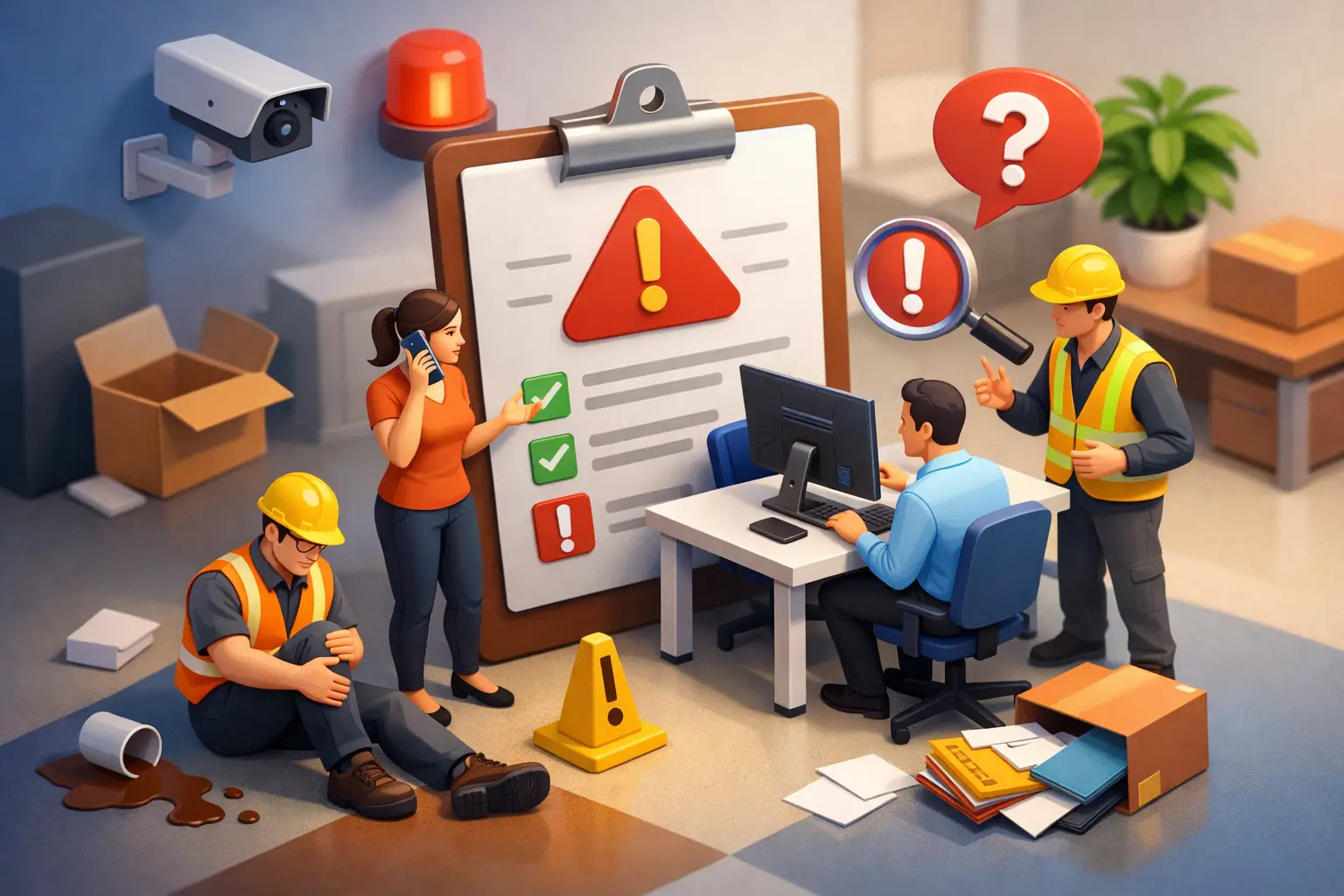
When Should Employees Report Incidents? Why Immediate Action Matters
A suspicious login alert appears on an employee's phone. A contractor slips in a warehouse aisle but says they feel fine. An email containing customer data goes to the wrong recipient.
In each case, delay can turn a manageable event into an operational, legal, financial, or human problem.
The answer to when should employees report incidents is simple:
Report them immediately, or as soon as it is safe to do so.
Employees should not wait until they have proof, understand the full scope, or decide whether an event is serious enough. Their responsibility is to recognize a potential issue, protect people and information, and alert the appropriate team as quickly as possible.
Cybersecurity, safety, privacy, and operational resilience all depend on early reporting. A strong reporting culture gives security, IT, HR, legal, compliance, and operations teams the time they need to contain harm before it spreads.
Quick Answer
Employees should report incidents:
Immediately after noticing them
- As soon as it is safe to do so
- Even if they are uncertain about what happened
- Even if the incident resulted from their own mistake
- Before conducting their own investigation
The goal is not to prove an incident occurred.
The goal is to raise the alarm early enough for the organization to respond effectively.
Why Speed Matters
Many incidents grow more damaging over time.
A phishing email can become an account compromise.
A lost device can expose sensitive information.
A near miss can become a workplace injury.
A data exposure can become a regulatory issue.
The earlier an incident is reported, the more options the organization has.
Early reporting allows teams to:
- Revoke compromised access
- Reset passwords
- Isolate affected devices
- Preserve evidence
- Secure unsafe areas
- Contact affected individuals
- Begin investigations quickly
- Prevent incidents from spreading
Every hour of delay reduces response options.
Real-World Examples
- Cybersecurity Event
An employee receives an MFA prompt they did not request.
Report immediately.
A fast response could prevent unauthorized account access.
- Data Exposure
A customer spreadsheet is accidentally emailed to the wrong recipient.
Report immediately.
Privacy, legal, and compliance teams may be able to contain the exposure.
- Lost Device
A company smartphone is left in a taxi.
Report immediately.
IT may be able to lock or remotely wipe the device.
- Safety Incident
A contractor slips in a warehouse but appears uninjured.
Report immediately.
The incident may reveal a hazard that could seriously injure someone else later.
The Golden Rule
Act within your role, then report without delay.
Employees should not attempt unauthorized investigations or remediation.
For example:
Do NOT:
- Delete suspicious emails
- Power off devices unnecessarily
- Hide mistakes
- Attempt forensic investigations
- Ignore potential incidents
Do:
- Follow company procedures\
- Preserve available evidence
- Escalate through approved channels
- Provide accurate information
What Employees Should Report
Many incidents go unreported because employees assume the issue is: - Too minor
- Too uncertain
- Too embarrassing
- Someone else's responsibility
This thinking creates unnecessary risk.
A report is an early warning, not a final conclusion.
Cybersecurity Incidents
Employees should report:
- Phishing emails
- Suspicious links
- Unexpected password reset requests
- Unauthorized MFA prompts
- Malware warnings
- Lost or stolen devices
- Misdirected emails
- Accidental file sharing
- Unauthorized access attempts
- Unusual system behavior
- Suspected data breaches
Privacy Incidents
Employees should report: - Customer information shared with the wrong recipient
- Confidential documents exposed unintentionally
- Personal information accessed without authorization
- Files shared with incorrect permissions
- Lost records or storage devices
Safety and Operational Incidents
Employees should report: - Workplace injuries
- Hazards
- Near misses
- Equipment failures
- Unsafe conditions
- Threats or violence concerns
- Policy violations
- Harassment complaints
- Security concerns involving physical facilities
What If You're Not Sure?
Many employees hesitate because they are uncertain.
That hesitation can create much larger problems.
Report First, Confirm Later
Consider these examples:
- "I clicked a suspicious link."
- "I sent the wrong attachment."
- "I think someone followed me into a secure area."
- "I received an MFA prompt I did not request."
- "My laptop started behaving strangely."
The appropriate team can determine whether a real incident exists.
Employees only need to raise the concern.
The Biggest Reporting Mistake
Waiting for certainty.
By the time certainty arrives:
- Evidence may be gone
- Attackers may have expanded accessData may already be exposed
- Safety risks may have escalated\
- Response deadlines may have been missed
- Early reporting creates options.
Delayed reporting removes them.
What Makes a Good Incident Report?
Employees do not need technical expertise.
A useful report simply contains the facts that are known.
Include:
What happened?
Describe the event or concern.
When did it happen?
Provide the date and time if known.
Where did it happen?
Identify the system, application, building, or location.
Who or what may be affected?
Include people, customers, systems, devices, or business processes.
What actions have already been taken?
Describe any steps already completed.
Incident Reporting Checklist
Before submitting a report, try to answer:
- What happened?
- When did it happen?
- Where did it happen?
- Who may be affected?
- What actions have already been taken?
Keep it factual and accurate.
Avoid speculation.
For example:
✅ "I clicked a link and entered my password at 10:15 AM."
is more useful than
❌ "I think a criminal organization hacked our systems."
Facts help responders act faster.
The 10-Second Rule
When something feels wrong, remember:
STOP
S — Stop
Pause before taking further action.
T — Think
Consider the potential risk.
O — Observe
Note important details.
P — Pass It On
Report the issue through the approved channel.
This simple habit can prevent significant security, privacy, safety, and operational incidents.
Build Reporting into Everyday Work
Incident reporting should be easy.
Employees should not have to:
- Search through policy documents
- Guess who owns the issue
- Choose between multiple departments
- Wait for management approval
Organizations should provide clear reporting routes for:
- Cybersecurity incidents
- Lost devices
- Data exposure
- Safety concerns
- Misconduct reports
- Privacy issues
Simple reporting processes encourage faster action.
Complicated processes encourage silence.
Managers Set the Tone
The first response matters.
An employee's reporting experience often determines whether they report future incidents.
Managers should:
- Thank employees for speaking up
- Acknowledge the concern
- Route the report appropriately
- Avoid blame
- Encourage future reporting
A simple response such as:
"Thank you for reporting this. I've sent it to the appropriate team for review."
helps reinforce a healthy reporting culture.
Measure Better Reporting, Not Fewer Reports
A higher number of reports is not always bad.
In many cases, it indicates that employees:
- Recognize risks
- Trust reporting processes
- Feel safe speaking up
Organizations should focus on:
- Faster reporting times
- Better report quality
- Faster containment
- Reduced incident impact
- Fewer repeat mistakes
Those are stronger indicators of a mature reporting culture.
Train Employees for Real Decisions
Annual awareness training alone rarely prepares employees for real-world situations.
Training should include role-specific scenarios, such as:
- A finance employee receiving a fake payment request
- A healthcare worker handling patient records
- An engineer seeing a suspicious software alert
- A warehouse employee identifying a damaged safety barrier
- A customer service representative exposing information accidentally
Effective training teaches:
- How to recognize incidents
- What actions to take immediately
- Who to contact
- Why rapid reporting matters
Short simulations, practical exercises, role-based training, and regular reinforcement help transform incident reporting from a policy requirement into a workplace habit.
Key Takeaway
Employees should report incidents as soon as they notice them, not after they confirm them.
Fast reporting helps organizations:
- Protect people
- Protect data
- Preserve evidence
- Reduce business impact
- Meet compliance obligations
- Improve response effectiveness
- Prevent small issues from becoming major incidents
The best reporting cultures do not expect employees to be investigators or security experts.
They simply encourage people to recognize risk, act responsibly, and raise their hand early.
That single decision can preserve evidence, prevent harm, and give response teams the time they need to protect the business.
Frequently Asked Questions (FAQ)
1. When should an employee report an incident?
Employees should report incidents immediately, or as soon as it is safe to do so. They do not need proof before reporting.
2. What if I'm not sure an incident actually happened?
Report it anyway. Response teams can determine whether the event requires further investigation.
3. Should I investigate the incident myself first?
No. Employees should follow company procedures and report concerns promptly. Formal investigations should be conducted by authorized personnel.
4. Is clicking a suspicious link considered an incident?
Yes. Even if nothing appears to happen, it should be reported immediately so security teams can evaluate the risk.
5. What information should be included in an incident report?
Include what happened, when it happened, where it happened, who may be affected, and any actions already taken.

Written By
Yavor Y. Zlatev
CEO & Executive Director at Advanced Vision IT
Yavor leads strategic growth and technology operations at Advanced Vision IT, specializing in enterprise cybersecurity, cloud infrastructure, NIS2 compliance, and managed security service delivery. Find out more about me