


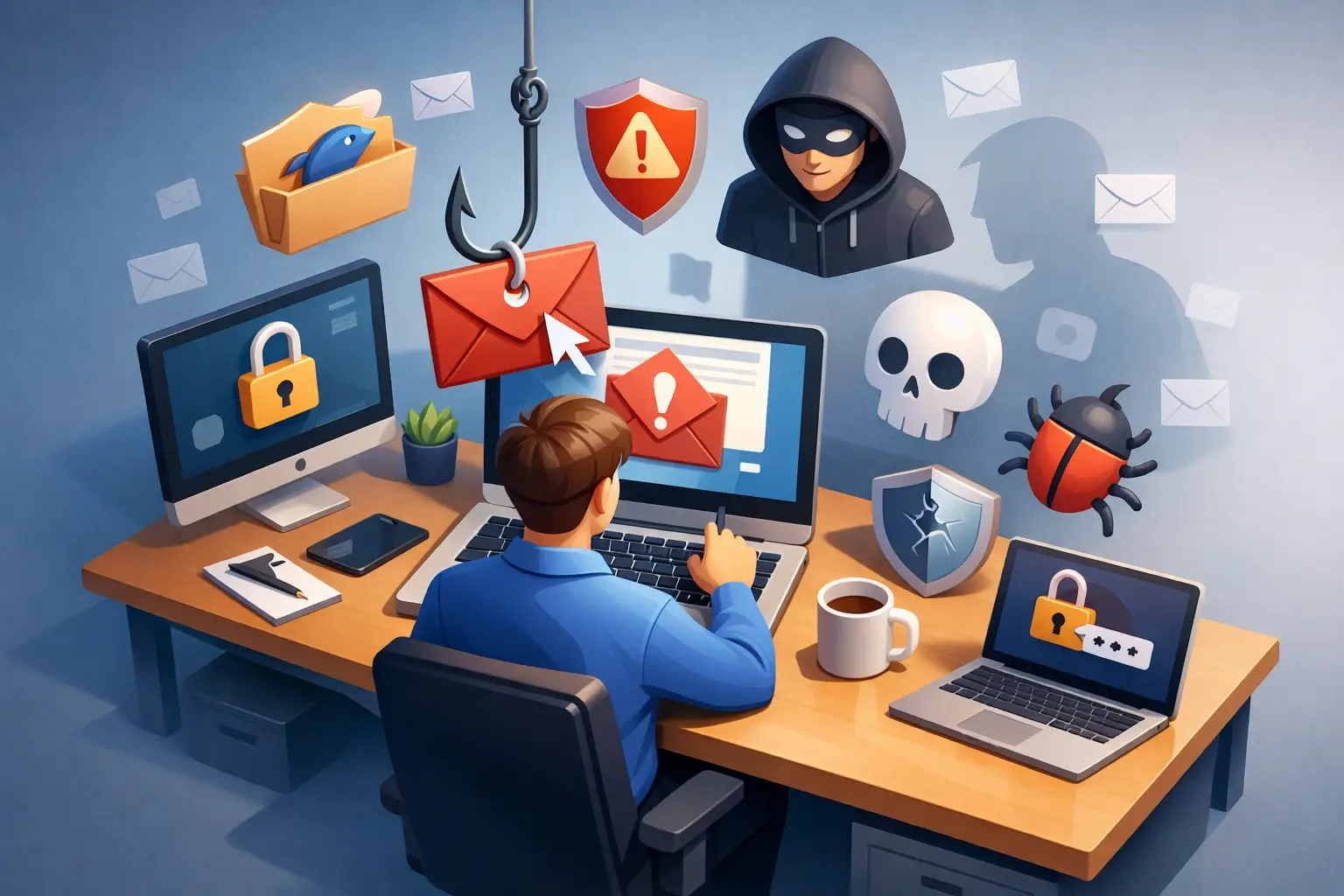
Why Do Employees Click Phishing Emails at Work?
A finance employee receives a message that appears to be from the CEO: “Need this paid before the vendor cutoff.” The sender’s display name is correct, the request is plausible, and the employee is moving between meetings. One click can expose credentials, trigger a fraudulent payment, or give an attacker a foothold in the network.
Why do employees click phishing emails? Usually, it is not because they are careless or indifferent to security. They click because phishing attacks are designed to exploit normal workplace behavior: responding quickly, helping colleagues, following authority, and keeping work moving. Security leaders who treat every click as an individual failure miss the operational conditions that make the click likely.
Cybersecurity starts with people - but people operate inside systems, processes, deadlines, and cultures. Reducing phishing risk requires organizations to address all four.
Why Employees Click Phishing Emails Under Pressure
Modern phishing is not limited to obvious messages with spelling mistakes and suspicious attachments. Attackers research organizations, imitate trusted brands, and use compromised accounts to send messages from real business contacts. Their goal is to make a malicious request feel routine enough to avoid scrutiny.
Urgency is one of the most effective tactics. A message that claims an account will be disabled, a payroll change must be approved, or a customer payment is overdue pushes the recipient toward immediate action. Under time pressure, employees rely on mental shortcuts. They see a familiar logo, a recognizable name, or a plausible request and act before fully checking the details.
Authority adds another layer. Employees are trained to respond to executives, HR, finance leaders, IT support, suppliers, and customers. A well-crafted business email compromise attempt does not need sophisticated malware if it can persuade someone to send a wire transfer, share an invoice, or disclose confidential information.
This is why generic advice to “be careful” has limited value. The employee may understand that phishing exists and still make a poor decision when the message resembles a legitimate work task. Effective training must prepare people to pause in realistic, high-pressure scenarios rather than merely recognize a list of warning signs.
Familiarity Creates False Trust
Most employees process hundreds of messages, chat notifications, calendar invites, and collaboration requests each week. They cannot deeply investigate each one without slowing work to a halt. Attackers exploit this volume by making their messages look familiar.
A phishing email may copy a Microsoft 365 notification, a document-sharing alert, a benefits enrollment request, or an invoice from a known vendor. It may reference a real project pulled from social media, a public job posting, a data breach, or a compromised mailbox. The message does not need to be perfect. It only needs to be credible enough at the moment it arrives.
Trust also develops through repetition. When employees regularly receive genuine automated notices from cloud platforms, payroll systems, and suppliers, they become accustomed to clicking links. A fake alert placed in that same stream can appear normal. This is particularly challenging for organizations that rely on many third-party platforms and have inconsistent communication practices.
The security lesson is not that employees should distrust every message forever. That would make the business less productive. The goal is to establish clear verification habits for high-risk actions, such as entering credentials, changing payment details, opening unexpected files, or sharing sensitive information.
The Human Factors Behind a Phishing Click
Phishing works because it targets predictable human responses. Curiosity can pull an employee toward a message about compensation, a package delivery, or a newsworthy event. Fear can make a security alert or legal notice feel urgent. Helpfulness can lead someone to assist a colleague who appears locked out of an account.
Cognitive overload matters just as much. Employees managing customer requests, operational tasks, and internal meetings have limited attention. A rushed employee may notice the sender’s display name but not the underlying email address. They may inspect the body of a message but not hover over a link. They may assume a request is legitimate because it resembles one they handled last week.
Remote and hybrid work can increase this exposure. Informal verification that once happened across a desk may now require a call, a chat message, or a separate approval process. Employees may also use personal devices, home networks, and multiple messaging platforms, which broadens the number of places attackers can impersonate trusted people.
These factors do not excuse risky behavior. They explain why a security program built solely on blame will underperform. If reporting a suspicious email results in embarrassment or punishment, employees will stay silent. If reporting is simple and leaders recognize good judgment, suspicious activity is more likely to reach the security team before it becomes an incident.
Training Fails When It Is Too Generic
Annual compliance training can establish a baseline, but a once-a-year presentation is rarely enough to change behavior. Employees forget information that is not reinforced, and attackers continuously change their methods. Training that focuses only on obvious red flags can also create false confidence because real attacks often contain few visible errors.
A stronger approach is role-based and continuous. Finance teams need to recognize invoice fraud, payment-diversion attempts, and executive impersonation. HR teams need to handle credential theft, payroll scams, and sensitive employee data requests. Executives and assistants need focused guidance on business email compromise and out-of-band verification. Technical teams need to understand phishing paths that target privileged access and cloud administration.
Localization matters, too. Language, local suppliers, regulations, payment practices, and regional impersonation tactics affect what a believable attack looks like. Organizations operating across the United States, Europe, and the GCC should not assume one generic course will prepare every workforce equally. Training should reflect the employee’s role, region, and actual tools.
Interactive lessons, short scenario-based exercises, quizzes, and periodic simulations create stronger recall than passive content alone. But simulations must be used carefully. Their purpose is to measure and improve behavior, not to publicly identify people who clicked. A program that humiliates employees can reduce reporting and damage trust. A program that explains the attack, reinforces the decision point, and gives employees a practical next step builds resilience.
Build Controls Around the Moment of Decision
Awareness training is essential, but it should not be the organization’s only defense. People will occasionally make mistakes, especially during high-volume or high-pressure periods. Security controls should reduce the impact of a click and make verification easier.
Email authentication, advanced filtering, domain monitoring, multifactor authentication, least-privilege access, and endpoint protections all reduce exposure. So do business processes that require independent verification for changes to bank account details, gift card requests, payroll updates, and urgent transfers. A phone call to a known number or a confirmation through an established workflow can stop an otherwise convincing fraud attempt.
The trade-off is friction. Requiring extra checks for every low-risk message can frustrate employees and lead them to bypass processes. Controls should focus on actions with meaningful financial, operational, or data risk. Leaders should also make the secure path the easy path. If reporting a suspicious message requires forwarding headers, finding a shared mailbox, and filling out a form, reports will be delayed. A clear reporting button and a well-defined response process make a measurable difference.
Measure Behavior, Not Just Completion
Completion rates show that employees opened a course. They do not prove that the organization is safer. Security leaders should look for indicators that connect learning to behavior: reporting rates, repeat click patterns, time to report, credential-submission rates in simulations, and the types of attacks reaching employee inboxes.
Metrics need context. A higher reporting rate may mean employees are more alert, but it can also reflect an increase in suspicious email volume. A simulation click rate may fall because employees learned the scenario, not because they can identify a new attack style. Review results by role, department, region, and attack type, then adjust training and controls based on what the data reveals.
CISO EDU supports this model with practical, localized education that connects awareness, compliance, and measurable workforce readiness. The objective is not to create employees who fear email. It is to create teams that recognize risk, verify critical requests, and report suspicious activity quickly.
Make Security a Supported Habit
Employees are the final decision-makers in thousands of small security moments every day. They need clear expectations, relevant practice, and the confidence to challenge a request that feels unusual - even when it appears to come from a senior leader.
The most resilient organizations do not ask, “Who clicked?” first. They ask, “What made this message convincing, and what can we change before the next one arrives?” That question turns a phishing click from a moment of blame into an opportunity to build a cyber-smart team.
Frequently Asked Questions (FAQ)
1. Why do employees click phishing emails?
Employees typically do not click because they are careless. Phishing attacks are designed to exploit normal workplace behaviors such as responding quickly, helping colleagues, and trusting authority figures.
2. Which employees are most frequently targeted?
Finance teams, HR professionals, executives, and IT administrators are common targets because they handle sensitive information, financial transactions, and privileged access.
3. What are the most common signs of a phishing email?
Warning signs include urgent requests, unexpected attachments, suspicious links, requests for credentials or payments, and inconsistencies in the sender's email address.
4. How can organizations reduce phishing risk?
Organizations can reduce risk through continuous security awareness training, phishing simulations, multifactor authentication (MFA), email security controls, and clear verification procedures for high-risk requests.
5. How can employees respond safely to suspicious emails?
Employees should avoid clicking links or opening attachments, verify requests through a separate communication channel, and report suspicious messages to their IT or security team as soon as possible.

Ivan Energiev
Published on: August 28, 2026 | Last Updated: August 28, 2026IT Project Coordinator at Advanced Vision IT
Ivan orchestrates end-to-end project execution and operations governance, specializing in IT service delivery, process optimization, cross-functional team leadership, and Microsoft 365 enterprise environments. Find out more about me