


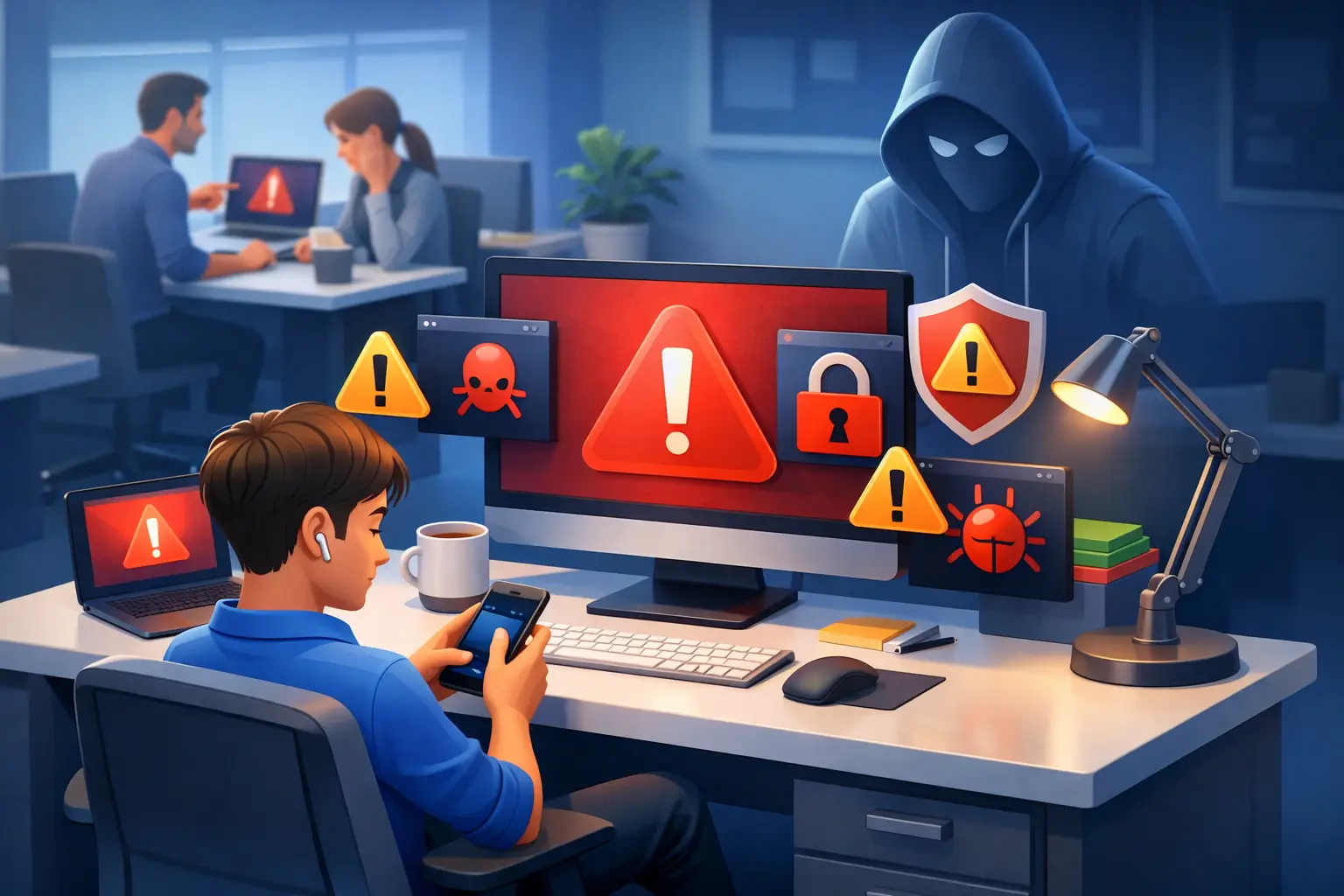
Why Employees Ignore Cyber Warnings at Work
A finance employee is closing out month-end reports when a browser alert blocks a supplier portal. It says the site certificate cannot be verified. The employee has seen similar pop-ups before, the deadline is close, and the portal is needed to finish the job. They click through.
That decision is not usually an act of negligence. It is a predictable response to pressure, repetition, and unclear risk. Understanding why employees ignore cyber warnings is essential for leaders who want to reduce human-driven incidents, meet compliance obligations, and build a security culture that works under real operating conditions.
Cybersecurity starts with people - not tools. But people cannot be expected to make consistently safe decisions when warnings are vague, disruptive, or disconnected from the work they need to complete.
Why Employees Ignore Cyber Warnings
Employees rarely ignore a warning because they want to put the organization at risk. More often, the warning competes with a more immediate priority: serving a customer, processing payroll, restoring access, meeting a production deadline, or simply getting through a crowded inbox.
A warning that appears at the wrong time asks an employee to stop, interpret technical language, assess consequences, and find an alternative path. If the employee does not know what action to take next, the fastest option often wins. Attackers understand this. Their phishing emails, fake login pages, and urgent payment requests are designed to exploit speed, authority, and routine.
Alert fatigue makes every message look the same
Employees see alerts from browsers, collaboration platforms, endpoint tools, email filters, password managers, and business applications. Many are informational. Some are irrelevant to the employee's role. Others interrupt a task without explaining the practical risk.
Over time, people learn that clicking “allow,” “dismiss,” or “continue” usually lets them keep working. This is alert fatigue: not a lack of intelligence, but a learned response to frequent interruptions with uneven value.
The trade-off matters. More alerts can appear safer on paper, yet excessive or low-quality notifications can reduce attention when a genuine threat appears. Security teams should not judge warning effectiveness by volume. They should judge it by whether employees recognize the right risk and take the right action.
Productivity pressure changes risk decisions
Most employees are measured on output, response time, customer experience, or operational accuracy. They are rarely rewarded for pausing a workflow to verify an unexpected request. If reporting a suspicious email creates extra work, delays a transaction, or leads to criticism for slowing down, employees receive a clear signal: productivity comes first.
This does not mean security and productivity are incompatible. It means leaders must design security processes that respect operational reality. A warehouse supervisor, sales representative, clinician, and accounts-payable specialist face different decisions, systems, and pressures. Generic awareness training cannot fully prepare each of them for the moments that matter.
Technical language creates false confidence or confusion
“Invalid certificate,” “untrusted sender,” and “potentially malicious content” may be accurate phrases, but accuracy alone does not drive action. Employees need to know what the warning means in their context. Can they safely continue? Should they report it? Who can help? How urgent is the risk?
When messages are too technical, some employees ignore them because they do not understand them. Others assume the organization has already handled the issue because a security tool displayed the warning. Both reactions can leave a gap between detection and safe behavior.
The Hidden Trust Problem Behind Ignored Warnings
Employees also make decisions based on trust. A message may look suspicious, but it appears to come from a senior executive, a familiar vendor, or an internal team. A login page may seem unusual, but it is branded like a service the company uses every day.
Security warnings can lose credibility when they regularly interrupt legitimate work. If staff have experienced blocked links that were safe, quarantined emails they needed, or security controls that prevent them from completing basic tasks, they may treat future warnings as another obstacle to work around.
That is why security teams need feedback loops. Employees should be able to report friction, explain where controls interfere with legitimate processes, and receive a timely response. The goal is not to weaken defenses. It is to improve them with evidence from the people who use them.
Trust also depends on leadership behavior. If executives bypass controls, share credentials through informal channels, or publicly dismiss security requirements as inconvenient, employees will follow the example. Culture is shaped less by posters than by what leaders tolerate under pressure.
What Ignored Warnings Reveal About Your Security Program
A high rate of dismissed warnings is not just an employee issue. It is operational intelligence. It can reveal where training is too generic, workflows are poorly designed, systems generate unnecessary noise, or reporting channels are unclear.
Look for patterns rather than blaming individuals. Are certain departments repeatedly interacting with suspicious emails? Are employees approving multifactor authentication prompts they did not initiate? Do particular business applications create repeated certificate or access warnings? Are new hires making different decisions than experienced staff?
These questions turn awareness from a compliance exercise into a measurable risk-reduction program. The answer may be better training, but it may also be a process change, a tuned security control, clearer vendor verification, or a better escalation path. It depends on the behavior, the role, and the risk involved.
For organizations subject to NIS2 or other resilience requirements, this distinction matters. Training completion records are useful, but they do not prove that people can recognize and respond to realistic threats. Leaders need evidence that awareness efforts are relevant, repeated, role-based, and connected to incident prevention.
How to Make Cyber Warnings Harder to Ignore
The most effective approach combines better warning design, practical education, and leadership accountability. One annual course cannot carry the full burden.
Give employees a clear next action
Every warning should answer three practical questions: what happened, why it matters, and what the employee should do now. “This link may be unsafe” is less useful than “Do not enter your password. Report this message using the phishing button. Contact IT only if you have already entered credentials.”
Specific instructions reduce hesitation. They also reduce the chance that employees improvise a workaround, such as forwarding suspicious content to colleagues or calling a phone number listed in the message.
Train for decisions, not definitions
Employees do not need to memorize every technical term. They need to recognize the decisions attackers are trying to force: approve this login, open this attachment, change these bank details, share this file, or reveal this code.
Interactive, scenario-based learning is especially valuable because it mirrors the moment of choice. A payroll team should practice verifying account-change requests. A customer-facing team should practice handling urgent requests that appear to come from leadership. Privileged users need additional training on credential theft, access abuse, and approval fatigue.
CISO EDU approaches awareness this way: practical lessons, quizzes, and certifications can be tailored to roles, regions, and regulatory expectations. The objective is not simply to prove that training occurred. It is to help employees act correctly when a threat reaches them.
Make reporting fast and psychologically safe
Employees must be able to report a suspicious warning or message in seconds, without needing to know whether it is truly malicious. If they are punished or embarrassed for reporting false positives, reporting will fall. If they receive confirmation that their action helped protect the organization, participation will rise.
Security teams should also treat reports as valuable signals. A single employee report may expose a broader phishing campaign, a compromised vendor account, or a confusing internal process before it becomes an incident.
Reinforce the behavior at the point of risk
Short, timely reinforcement is more effective than relying only on annual training. Use targeted refreshers after a phishing simulation, a new vendor fraud trend, a password-reset campaign, or a policy change. Keep the lesson tied to a recognizable work decision.
Avoid turning every event into a broad warning blast. Relevance is what earns attention. A concise reminder for the affected team is often more useful than a long organization-wide message that most recipients will disregard.
Measure behavior alongside completion
Completion rates matter for audit readiness, but they are not the outcome. Track reporting rates, repeat simulation patterns, time to report, high-risk departments, and the types of warnings employees bypass. Review these measures with HR, IT, operations, and executive leadership.
Use the data carefully. The purpose is to identify where the organization needs support, not to create a culture of surveillance. Individual accountability may be appropriate for repeated or deliberate policy violations, but most warning failures are opportunities to improve systems and education.
Build a Culture That Supports the Safe Choice
Employees should never have to choose between doing their jobs and protecting the organization. When security guidance is clear, reporting is easy, and training reflects real work, the safe choice becomes the practical choice.
The next ignored warning is not just a user mistake waiting to happen. It is a chance to ask a better question: what would have made the secure action obvious, fast, and supported? Answer that consistently, and employees become an active line of defense when it matters most.
FAQ
1. Why do employees ignore cybersecurity warnings?
Employees typically ignore cybersecurity warnings because they are focused on completing their work, meeting deadlines, and maintaining productivity. Frequent notifications, unclear messaging, and alert fatigue often cause users to dismiss warnings without fully evaluating the potential risk.
2. What is alert fatigue in cybersecurity?
Alert fatigue occurs when employees are exposed to a high volume of security notifications, pop-ups, and system warnings. Over time, they become desensitized to these alerts and begin dismissing them automatically, increasing the likelihood that genuine threats will go unnoticed.
3. How can organizations reduce the risk of ignored security warnings?
Organizations can improve warning effectiveness by using clear, actionable language, delivering role-specific security training, simplifying reporting processes, and reducing unnecessary alerts. Employees should always know what action to take when they encounter a security warning.
4. Why is security awareness training important?
Security awareness training helps employees recognize phishing attempts, suspicious requests, fraudulent communications, and other cyber threats. Effective training focuses on real-world decision-making rather than technical definitions, enabling staff to respond correctly under pressure.
5. How does company culture influence cybersecurity behavior?
Company culture plays a significant role in cybersecurity. When leadership follows security policies, encourages reporting, and supports employees who raise concerns, workers are more likely to follow best practices. A strong security culture makes safe behavior a natural part of daily work.

Written By
Yavor Y. Zlatev
CEO & Executive Director at Advanced Vision IT | Published on August 28, 2026
Yavor leads strategic growth and technology operations at Advanced Vision IT, specializing in enterprise cybersecurity, cloud infrastructure, NIS2 compliance, and managed security service delivery. Find out more about me